
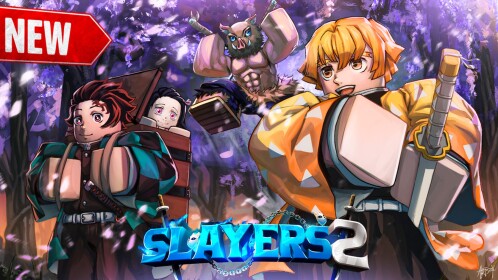
What we can verify
Use the Roblox experience page and creator-linked channels as the primary record. Capture the announced date, link, affected feature, and the in-game version you checked before changing a guide.
Rumours, countdowns, edited screenshots, and copied patch notes are not sufficient evidence. If a change cannot be traced to a current source or the live game, mark it unconfirmed.
Update verification checklist
- Open the Roblox experience and note its current status.
- Find the creator-linked announcement or official notice.
- Write the date and the exact feature affected.
- Test the change in the live game before revising a guide.
- Keep older claims dated rather than silently presenting them as current.
Correction standard
When a fact changes, state what was changed, why, and when it was rechecked. That is more useful to players than a recycled patch-note summary.
Source record
- Official SLAYERS 2 Roblox game listing, checked 2026-09-21
- Ouw Productions Roblox community, checked 2026-09-21
- Official Project Slayers Discord destination, checked 2026-09-21
Editorial note
This is an independent fan guide. It distinguishes official information from player-made discovery material and leaves unknown details unconfirmed.